Best Outdoor TV for Sports (2026)
TL;DR
For watching sports outdoors in 2026, the spec priorities are different from movies or general use. Top considerations:
- Brightness — daytime games need 1,500+ nits (ByteFree BF-55ODTV is the value pick at this tier)
- Refresh rate — 60Hz is fine for football/baseball; 120Hz matters only for premium gaming-style viewing
- Viewing angle — multiple guests = wide viewing angle (178° standard on most outdoor TVs is OK)
- Audio — outdoor crowd watching needs more than 30W internal speakers
Best overall pick: ByteFree BF-55ODTV at $1,499 for partial-sun sports watching. Step up to Sylvox Gaming ($1,799) for 120Hz refresh on outdoor gaming or motion-heavy sports. For pool decks with full sun, Sylvox Pool Pro 2.0+ ($2,399) at 2,000 nits.
What Sports Watching Actually Demands
A football Sunday on a backyard patio has specific requirements that don’t apply to a Saturday movie night:
| Requirement | Sports | Movies |
|---|---|---|
| Daytime brightness | Critical (NFL Sunday games are 1 PM EST = peak sun) | Less critical |
| Multiple-viewer angle | Critical (group of 8+ people) | Less critical |
| Loud, clear audio | Important (game commentary + ambient noise) | Important |
| 120Hz refresh | Helpful (panning shots) | Not needed |
| Dolby Vision | Nice but not essential | More important |
| Large screen (65”+) | Important (group viewing) | Important |
The decisive specs for sports:
- Daytime brightness — most NFL games (1 PM EST) and college football (3:30 PM EST) are during peak sunlight
- Audio output — overcoming party noise, BBQ, kids, ambient
- Viewing angle — guests sitting at 30-60° off-center still need a watchable picture
Best Picks for Sports Viewing
🏆 Best Value: ByteFree BF-55ODTV — $1,499
For most American backyards watching sports outdoors, this is the right pick:
- 1,500 nits sustained — handles 1 PM Sunday games in partial sun
- Dolby Atmos 30W audio — louder than competing 20W systems
- HDMI 2.1 eARC — pairs with outdoor soundbar (see Best Outdoor TV with Soundbar)
- 178°/178° viewing angle — a group of 8 people sees the same image quality
- Anti-glare matte glass — no sky glare during day games
Trade-off: 60Hz refresh. For sports like football, baseball, golf, hockey at standard broadcast 60Hz, this is fine. For Premier League / Champions League at 50Hz with on-screen graphics, also fine.
Best for Motion-Heavy Sports / Gaming: Sylvox Gaming Series — $1,799
If you watch a lot of basketball, NHL hockey, motorsport, or use the TV for outdoor gaming console (PlayStation 5 / Xbox Series X), 120Hz refresh is genuinely visible:
- 120Hz refresh rate — the only outdoor TV in this price range
- HDMI 2.1 — supports console-grade 4K@120Hz output
- 1,000 nits brightness — partial sun OK, full sun marginal
- Dolby Vision + Dolby Atmos
- −30°C operating range for cold-climate use
Trade-off: $1,799 is $300 over ByteFree, and brightness drops 33% (1,000 vs 1,500 nits). Pick Sylvox Gaming if 120Hz matters more than brightness.
Best for Pool Deck Sports Bar: Sylvox Pool Pro 2.0+ — $2,399
For installations on pool decks with afternoon-and-evening sun:
- 2,000 nits sustained — full direct sun rated
- Anti-corrosion aluminum — pool chlorine won’t degrade chassis
- Dolby Atmos 30W
- −30°C operating range
Trade-off: no Dolby Vision, $1,000 over ByteFree. Pick when you genuinely have full-sun direct exposure.
Best Premium for Group Watching: Sylvox Cinema (65”) — $3,999
For larger groups (12+ guests) on bigger patios:
- 65-inch class — fills more visual field
- 2,000 nits + QLED Mini-LED
- 120Hz refresh
- Dolby Atmos 60W audio
- Dolby Vision
The premium pick for “outdoor sports bar” home setups.
What Sports Watching Doesn’t Need
❌ More than 60Hz refresh for most sports
Football, baseball, golf, hockey, soccer, basketball — all broadcast at 60Hz or below in North America. 120Hz only matters for:
- Outdoor gaming consoles
- Motorsport (occasionally, premium broadcasts)
- Premier League if you watch via 4K HDR streams
For typical Sunday football, 60Hz is sufficient.
❌ 8K resolution
No live sports broadcast in 8K in North America. Pure marketing premium for now.
❌ Curved screens
Curved screens reduce viewing angle for group watching — the opposite of what sports demand.
❌ Smart TV apps for sports streaming
Most outdoor TVs run Google TV, Android TV, or WebOS — all support major sports streaming services (NFL+, ESPN+, Apple TV+ MLS, Peacock, Max). The apps work fine across these platforms; brand differences are minimal.
Audio Strategy for Sports
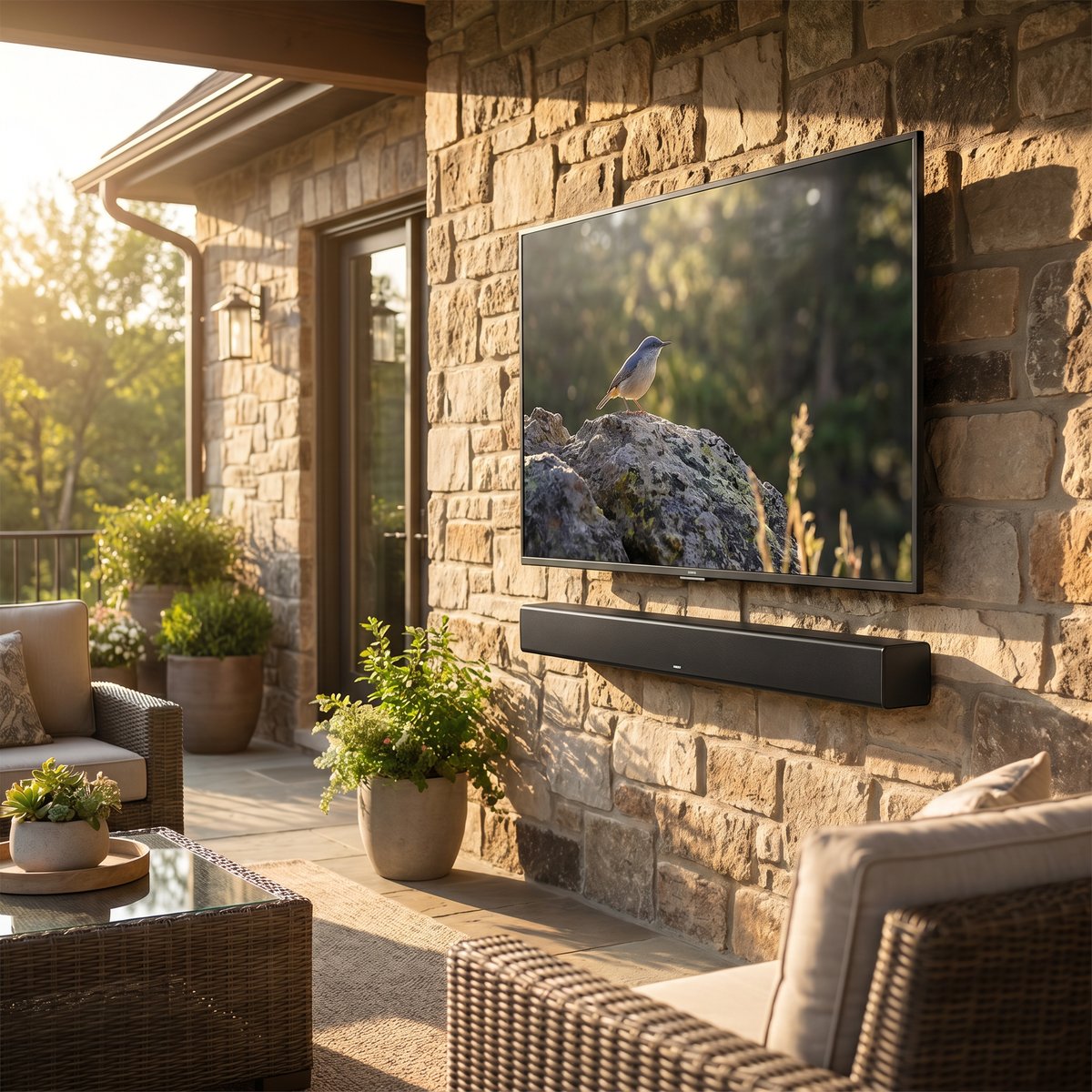
The 30W built-in audio on the ByteFree BF-55ODTV handles patios up to 12 × 16 ft. Above that, plan for an outdoor soundbar:
- Sonos Outdoor by Sonance + Sonos Amp — $1,200 total, integrates with rest of Sonos ecosystem
- Bose Outdoor 251 + Bose Soundbar 900 — $1,200 total, premium audio quality
- JBL XTREME 4 — $379 portable, easiest if you don’t want permanent install
Detailed setup in Best Outdoor TV with Soundbar.
Setup Tips for Game Day
1. Mount at chest height when standing
Game day = lots of standing for cheering. Bottom of screen at 48” from deck floor (about 2 feet higher than for movie-night seated viewing).
2. Wide seating angle = more guests
A 12 × 16 ft patio comfortably seats 10-12 with the right layout. Position the TV so seats fan out from the center axis up to 60° off-center.
3. Outdoor-rated HDMI for cable/satellite or streaming box
Indoor HDMI cables fail outdoors within a summer. Use direct-burial HDMI or run regular HDMI through PVC conduit. We cover this in Outdoor TV Mounting Guide.
4. Backup connectivity — 4G/5G hotspot
For pre-recorded or streaming sports, an outdoor TV depends on Wi-Fi reaching the patio reliably. If your indoor Wi-Fi is weak at the TV location:
- Add an outdoor mesh node ($60-100)
- Or use an unlocked hotspot during games
Frequently Asked Questions
Is 60Hz enough for outdoor TV sports?
Yes for North American broadcast sports — NFL, MLB, NBA, NHL, college football, golf — all broadcast at 60Hz or below. 120Hz only adds value for gaming consoles or rare premium 4K streams.
Can I run my cable box / DirecTV outside?
Yes. Run the cable signal through outdoor-rated coax from your existing setup, terminate at an outdoor-rated entry box near the TV. Most installers do this for $200-400.
Is Dolby Vision important for sports?
Less important than for movies. Sports broadcasts are typically HDR10 mastered, not Dolby Vision. The ByteFree BF-55ODTV’s Dolby Vision support is a bonus for movies but doesn’t change much for game day.
Will guests sitting 30 feet away still see the screen well?
Probably not at 55-inch. At 30 feet, the visual angle is too small. Either mount a bigger TV (65-75 inch) or move seating closer (12-16 ft is the sweet spot for 55-inch).
Can I add a second TV for a larger backyard?
Yes — many sports-bar-style setups use two 55-inch TVs side by side. Cheaper than one 75-inch and gives you flexibility for multi-game viewing (one TV per game). Both TVs need their own VESA mount, separate HDMI, separate audio routing if not using soundbar.
Bottom Line
For most American sports-watching backyards in 2026, the ByteFree BF-55ODTV at $1,499 is the right pick — 1,500 nits handles partial-sun afternoon games, Dolby Atmos 30W audio is louder than competing models, HDMI 2.1 eARC future-proofs for soundbar add-on.
For larger patios or premium setups with motion-heavy sports, step up to Sylvox Gaming ($1,799) for 120Hz, or Sylvox Cinema 65” ($3,999) for the full sports-bar experience.
For broader picks, see our Best Outdoor TVs of 2026 buying guide.